🎁 Free Budget Starter Kit (3 Printables)
Stop overspending and finally stay in control of your money.
Stop stressing about money — this simple system helps you stay in control.
Get 3 essential printables (budget, expense tracker, bill tracker) to start managing your money today.
What Is a Savings Tracker
A savings tracker is a simple tool that helps you monitor how much money you’ve saved toward a specific goal. It allows you to see your progress over time, making it easier to stay motivated and consistent.
Whether you’re saving for an emergency fund, a vacation, or a large purchase, a savings tracker helps you stay organized and focused on your financial goals.
Tired of using multiple sheets and still feeling disorganized?
This printable bundle includes an expense tracker + bill checklist so you can manage everything in one place.
👉 Get the full bundle for just $5 (launch price)
Why Tracking Your Savings Is Important
Tracking your savings is important because it turns a vague goal into a clear plan.
When you can see how much you’ve already saved and how much is left, it becomes easier to stay motivated. It also helps you build better financial habits by encouraging consistency and accountability, especially when used alongside tools like an expense tracker printable.
A savings tracker can:
- Help you stay focused on your goals
- Make your progress visible
- Encourage regular saving habits
- Reduce the chances of overspending
Savings Tracker Printable Template
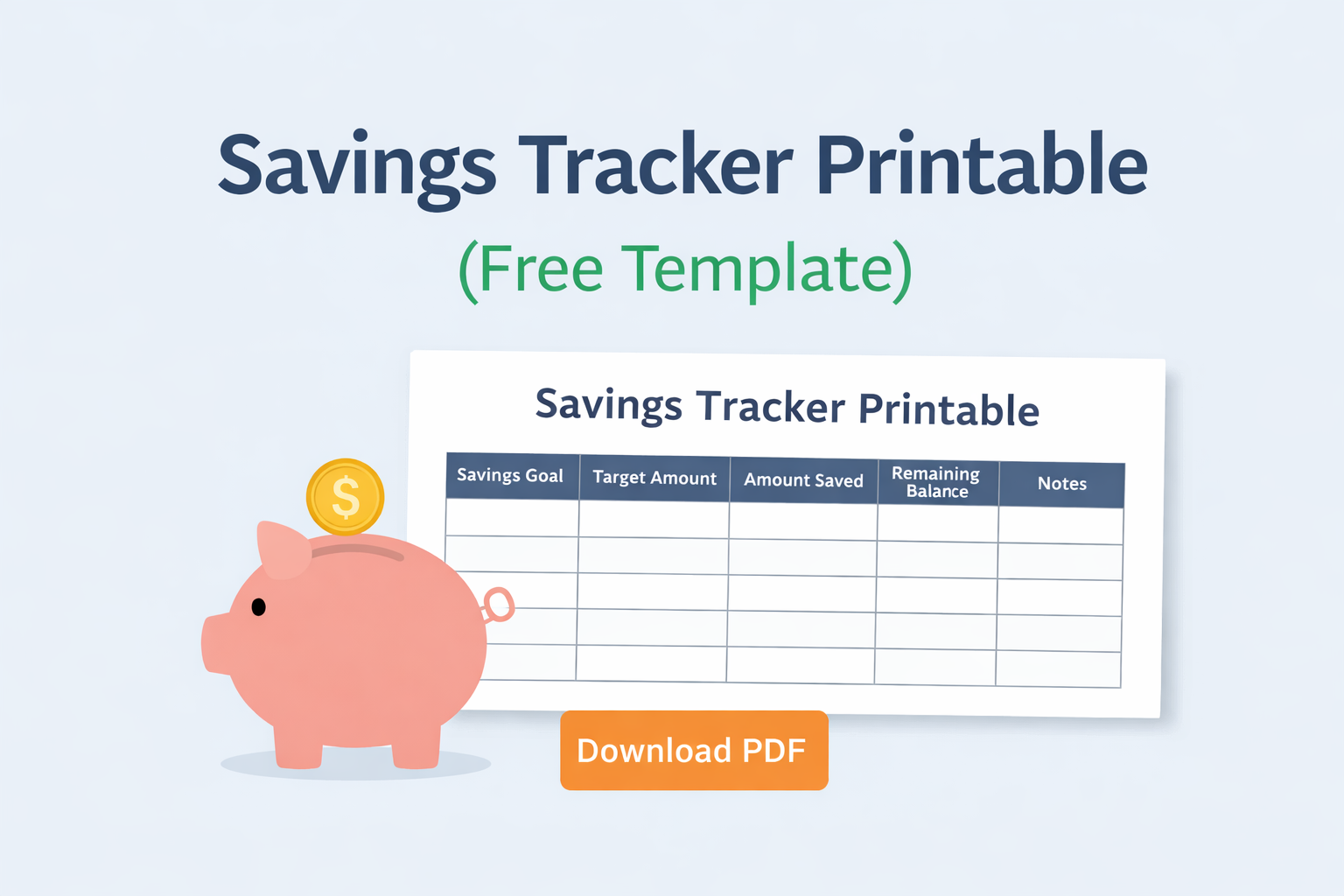
Use this simple savings tracker printable to track your progress and stay motivated as you work toward your financial goals.
You can also pair this with a monthly budget template or a budget tracker printable to get a complete view of your finances.
Savings Tracker Table
| Savings Goal | Target Amount | Amount Saved | Remaining Balance | Notes |
|---|---|---|---|---|
If you want to organize your entire budget in one place, Instead of using separate sheets, get everything in one place with the full printable bundle here.
How to Use a Savings Tracker
Using a savings tracker is simple and only takes a few minutes each week.
- Start by writing down your savings goal.
- Set a target amount you want to reach.
- Each time you save money, update the amount saved.
- Subtract the saved amount from your target to see what’s remaining.
- Continue updating your tracker regularly to stay on track.
Tips for Building a Savings Habit
Building a savings habit doesn’t have to be complicated. Small, consistent actions can lead to big results over time.
Here are a few simple tips:
- Start with a small, realistic goal
- Save a fixed amount each week or month
- Automate your savings if possible
- Track your progress regularly
- Celebrate small milestones along the way
Frequently Asked Questions
How often should I update my savings tracker?
You can update your savings tracker weekly or whenever you add money toward your goal.
Can I use this for multiple savings goals?
Yes, you can create separate trackers for different goals or use one tracker for multiple categories.
Is this suitable for beginners?
Yes, this savings tracker is designed to be simple and easy to use, even if you’re new to budgeting.
Related Budget Printables
To build a complete budgeting system, check out these helpful printables:
- Monthly Budget Template
- Budget Planner Template
- Expense Tracker Printable
- Budget Tracker Printable
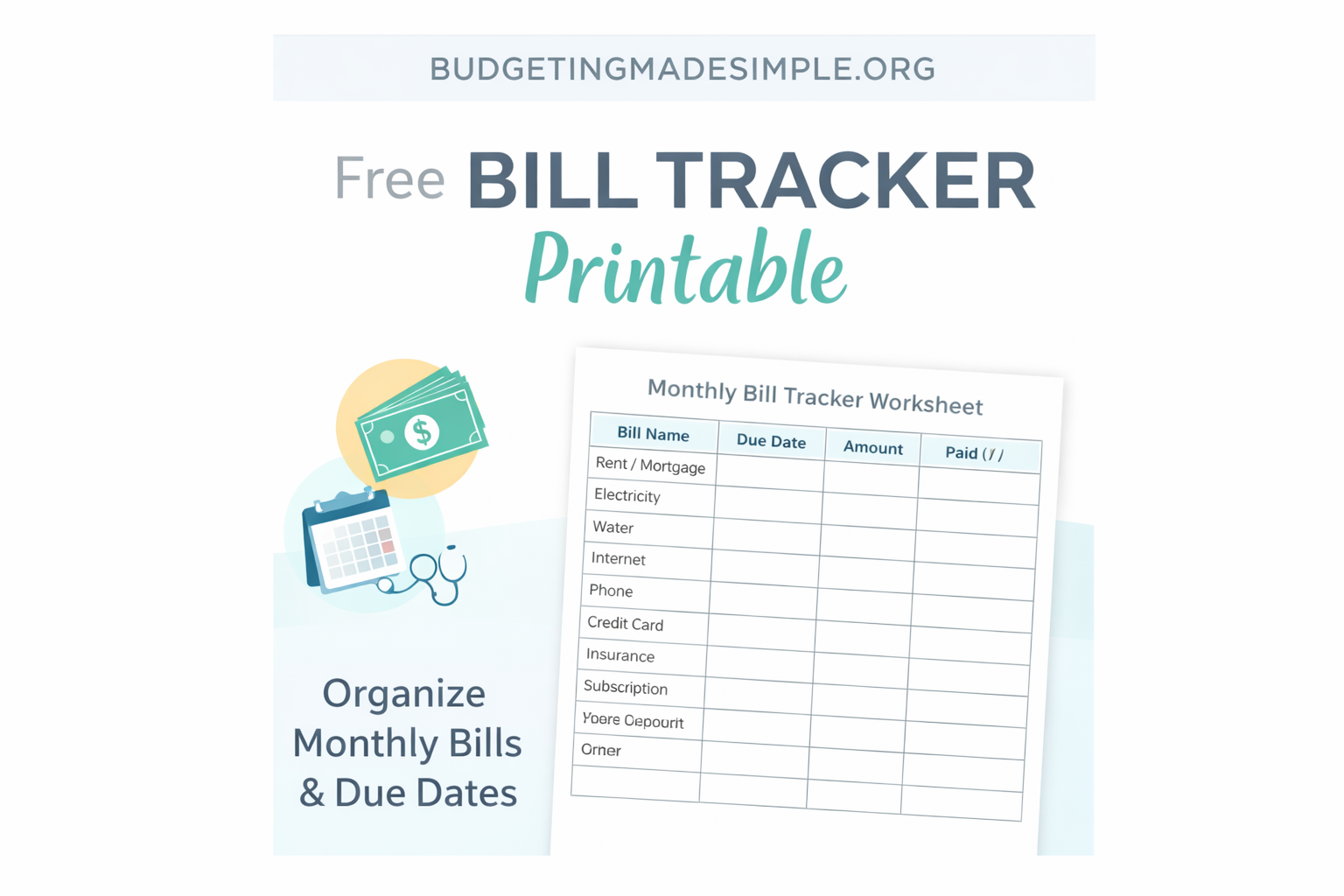
- Bill Tracker Printable
Ready to finally stay consistent with your money?
The full budget bundle helps you track expenses, bills, and savings all in one place.
🔥 Get the complete budget system for just $5 (limited launch price)
👉 Want a complete budgeting system?
Get the Monthly Money Reset Kit here:
https://akhilapriya3.gumroad.com/l/irain
About the Author
Hi, I’m Akhila. I created Budgeting Made Simple to help beginners build clear, practical money systems without feeling overwhelmed.
My goal is to simplify budgeting, saving, and debt payoff into steps anyone can follow consistently. Personal finance doesn’t need to be complicated — it just needs structure and clarity.
Leave a Reply